

HOW TO LOG IN TO GOOGLE CLASSROOM FROM HOME
1. In your browser, navigate to, https:\\edu.google.com
2. In the top right-hand corner, click on Sign in and choose Google Classroom

3. Enter the user email and password provided by the Class Teacher (check homework diaries).
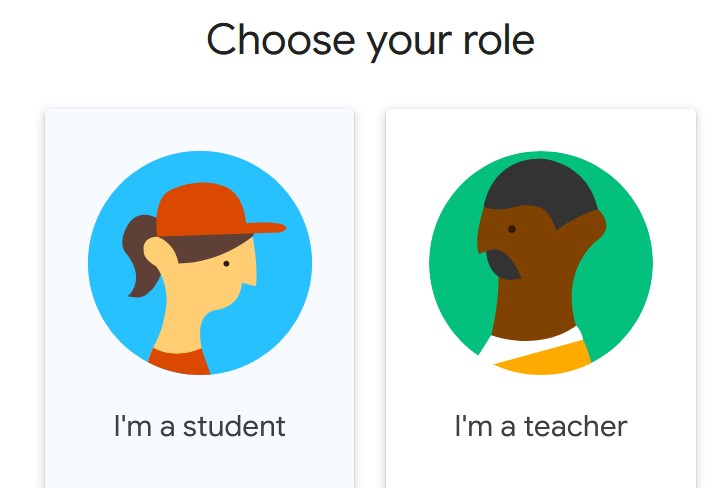
4. When prompted to Choose your role – select “I’m a student”
5. In the top right corner, click on the + and choose Join Class.
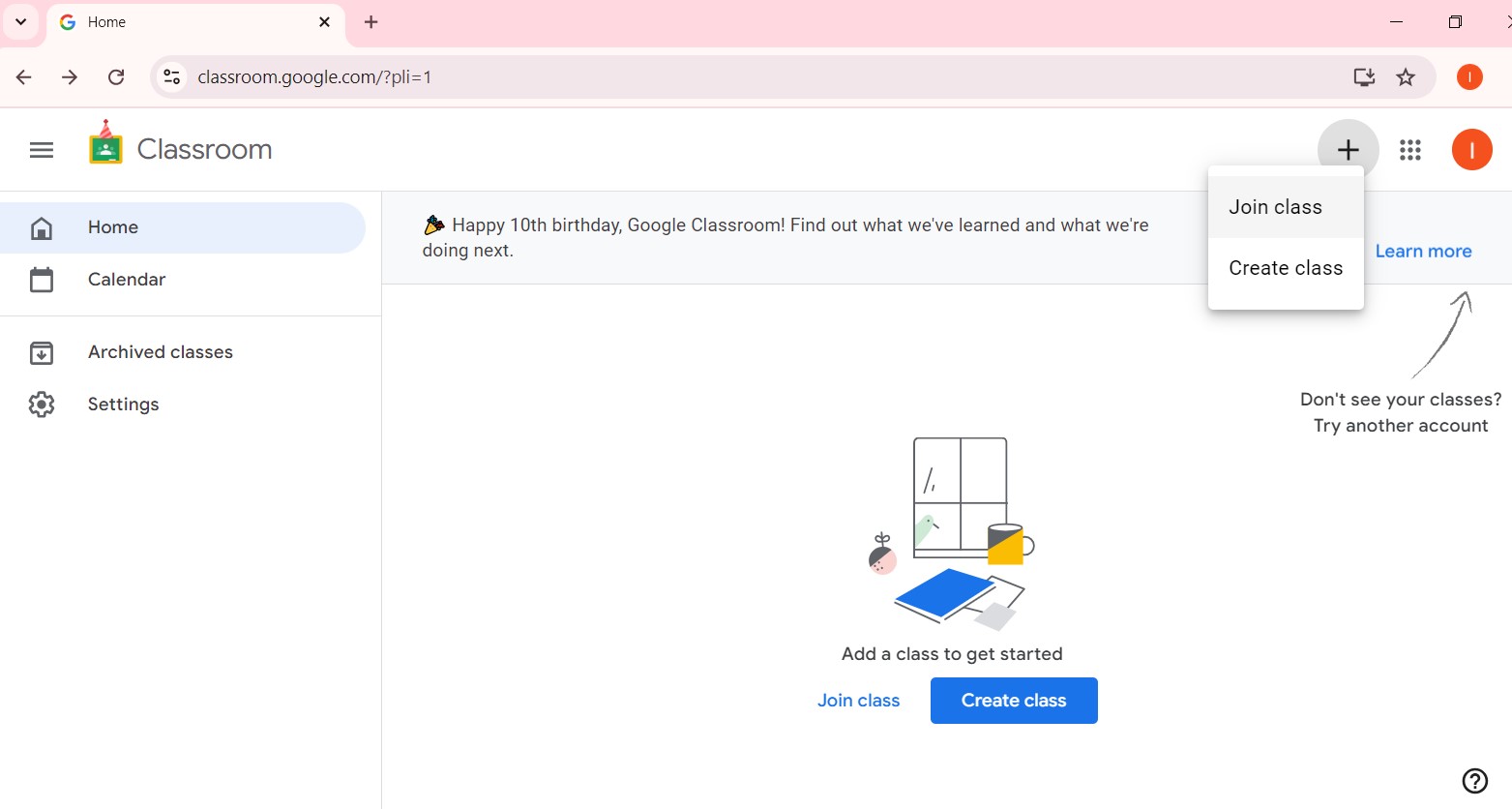
6. Enter the Class Code provided by the Class Teacher (check homework diaries) and click Join